What you need to know
You are able to view your competencies on JPA.
What you need to do
To do this:
- logon to JPA and select JPA Self Service - Employee, Armed Forces
- click Competencies
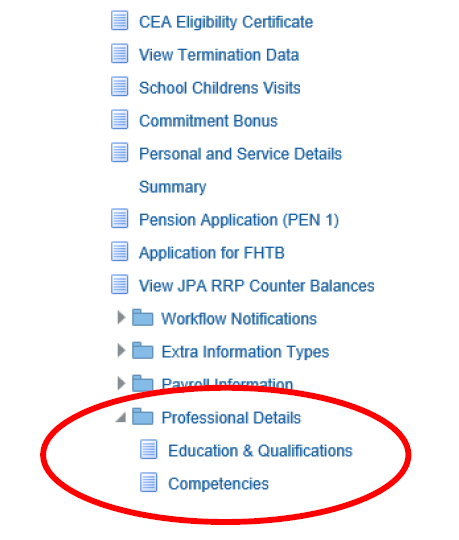
The ‘Competencies: Competency Profile’ screen will be displayed displaying a tab for your Current Competencies and History.
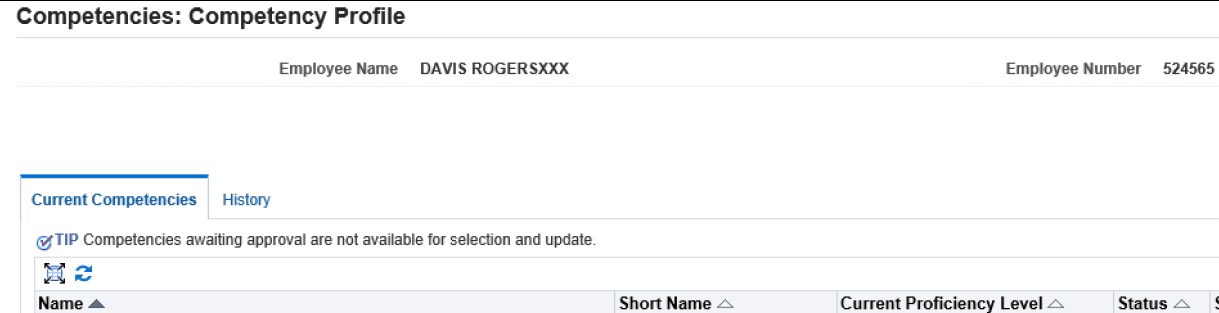
- click on Competence Profile History tab to view any previously held competencies but are no longer current
The ‘Competency Profile History’ screen will be displayed.
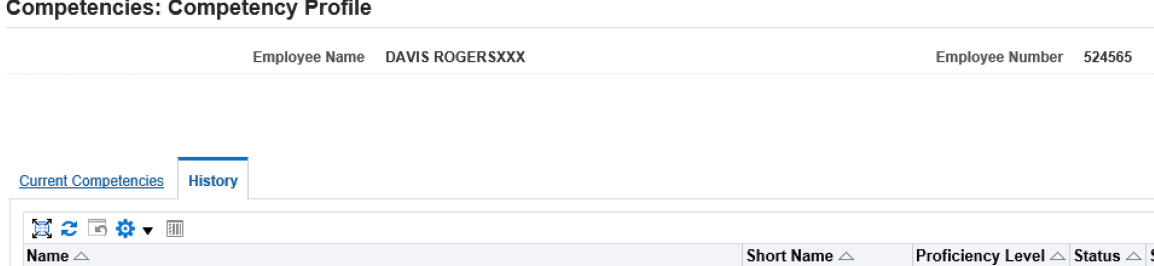
- click on Current Competencies to return to the current competency screen
