What you need to know
You can view your education and any qualification details on JPA.
If you have a Defence Gateway account you can do this from your own personal device on the MyDetails app (part of the My Series).
What you need to do
To view this current education and qualification information you will need to:
- logon to JPA as JPA Self-Service - Employee, Armed Forces
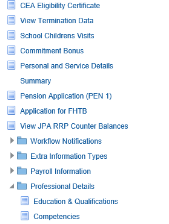
- click Education & Qualifications link under the Professional Details section header
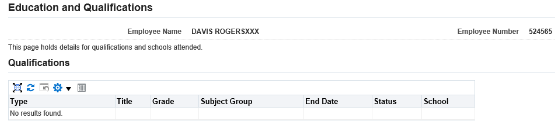
The Education and Qualifications screen will be displayed showing details of your current Qualifications and schools attended:
If you have Education and Qualifications to be entered you must contact your Unit HR Admin.
