What you need to know
When logging into JPA, there are some considerations prior to undertaking the task:
- ensure that you access JPA via the JPA portal
This will allow you to obtain the latest updates on any JPA issues and notifications.
- ensure that you take care in entering your password, you have 5 attempts to access JPA correctly
The 6th incorrect attempt will result in your account being locked out.
If your account is locked out, you will be required to contact the JPAC Enquiry Centre who will provide you with a new temporary password on verification of identity.
What you need to do
- logon to JPA using the JPA online login button
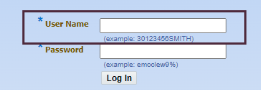
- enter your username into the Username field
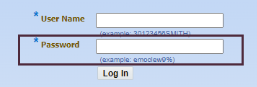
- enter your password into the Password field
- click the log in button
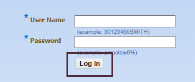
If you have entered all details correctly you will be able to access the JPA system. If they are not, you will need to repeat the above steps checking your details are correct before requesting a password reset (maximum 5 attempts). If you account is locked out, please see JPA password reset page for further information.
