What you need to know
Once your personal objectives are approved by your Line Manager, you may want to add a comment against them.
What you need to do
To add or amend a personal objective comment:
- logon to JPA and select JPA Self Service – Employee, Armed Forces
- click Personal Objectives Comments link under the My Career section
A screen will appear with Personal Objective Comments fields. Each field has a capacity of 300 characters. The first Personal Objective Comments field is aligned to the first Personal Objective, the second Personal Objective Comments field is aligned to the second Personal Objectives and so on.
The status of Personal Objectives will affect the editability of Personal Objective Comments. Only Personal Objectives that have been approved by Line Managers can have Personal Objective Comments made against them. If a Personal Objective has been updated, the previous Personal Objective Comment will be removed.
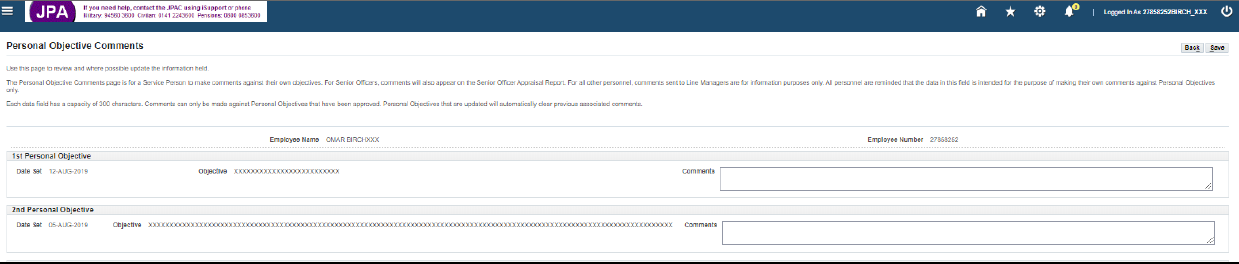
- enter and review comments into the Personal Objective Comments field
- click Save
A warning message will appear asking if comments are to be saved and for a notification to be sent to the Line Manager.
- click Yes
A confirmation message will appear.
- click OK
