What you need to know
You may want to add or update your Sea Preferences on JPA. These will be visible to your Line Manager and Career Manager.
What you need to do
To add or amend your Sea Preferences:
- logon to JPA and select JPA Self Service – Employee, Armed Forces > JPA Next Gen Home Page
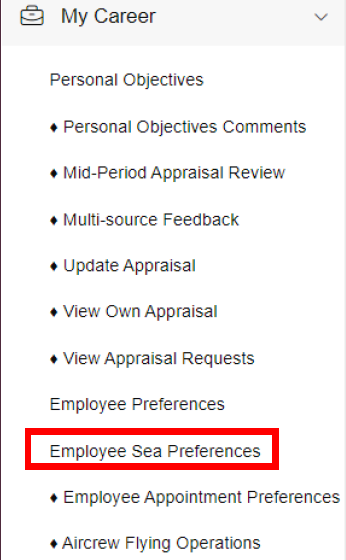
- open up the My Career sub-menu by selecting My Career
- select Employee Sea Preferences
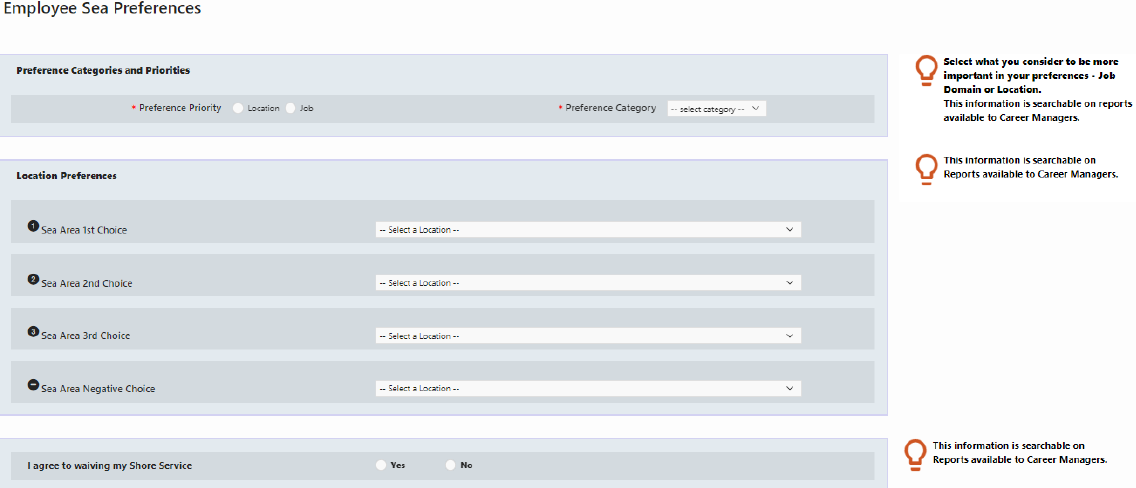
- add and/or amend an Employee Sea Preferences by selecting the preferred radio button, entering the intended option from the drop-down menus and entering text in the comments’ boxes
You can make up to four comments.
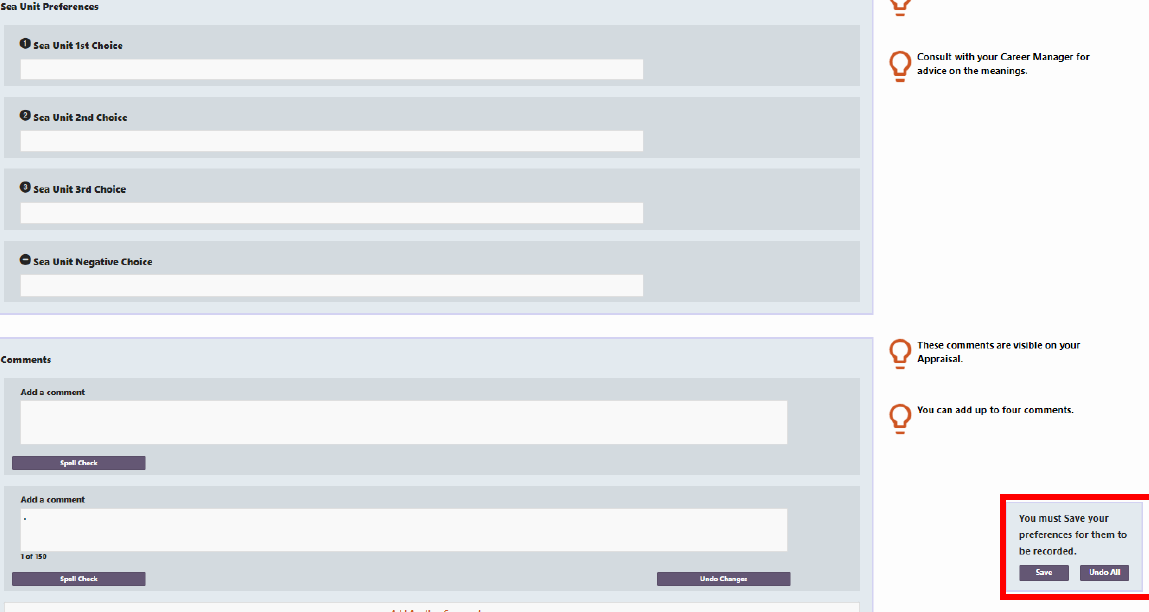
Selecting Save will send a notification workflow to your Line Manager. No approval action is required. Selecting Undo All will undo all actions made in the last phase of editing.
If selecting Save, a pop-out window will appear asking whether you would like to make comments to your Approver (Line Manager). You do not have to make comments.
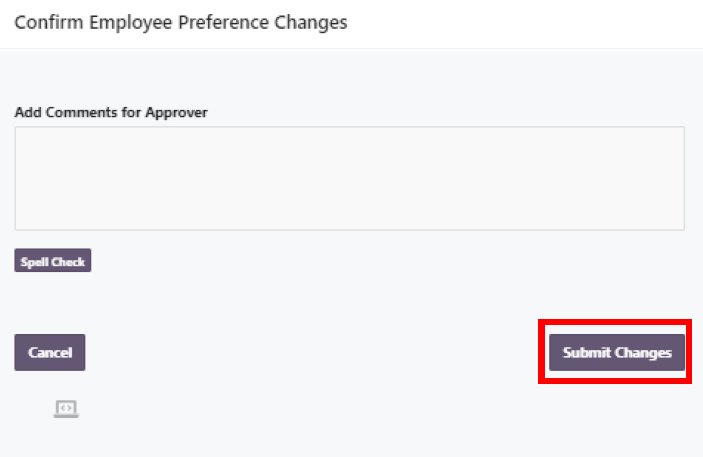
- select Submit Changes when you are satisfied with the information you have entered
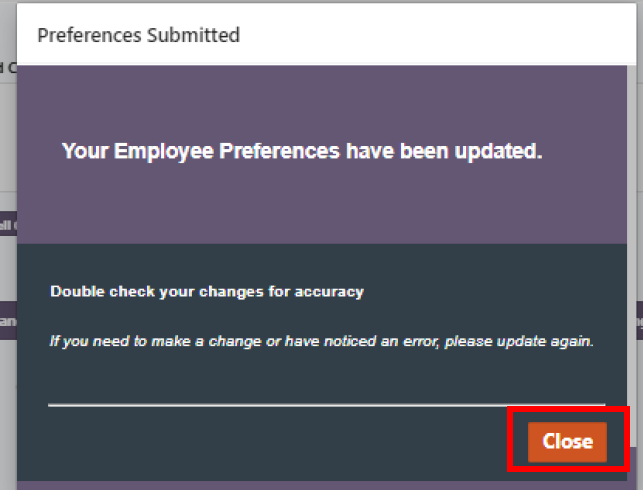
The Confirmation screen will be displayed.
- select Close to return to the Employee Sea Preferences screen
If an error message is received, inform your Unit HR Admin.
