What you need to know
You are able to add new or update your existing employee appointment preferences on JPA.
What you need to do
To add new preferences:
- logon to JPA and select JPA Self Service – Employee, Armed Forces > JPA Next Gen Home Page
- click on My Career
- click on Employee Appointment Preferences
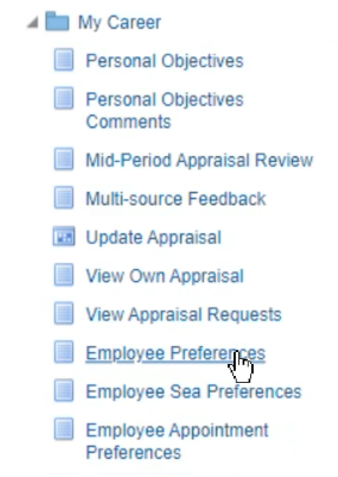
The ‘Employee Appointment Preferences: Extra Information’ screen will be displayed.
If you have not previously had any Appointment Preferences recorded on JPA then a message ‘No Results Found’ will be displayed.
- click the Add button
The ‘Employee Appointment Preferences’ screen will be displayed where you can add up to 8 Appointment Preferences.
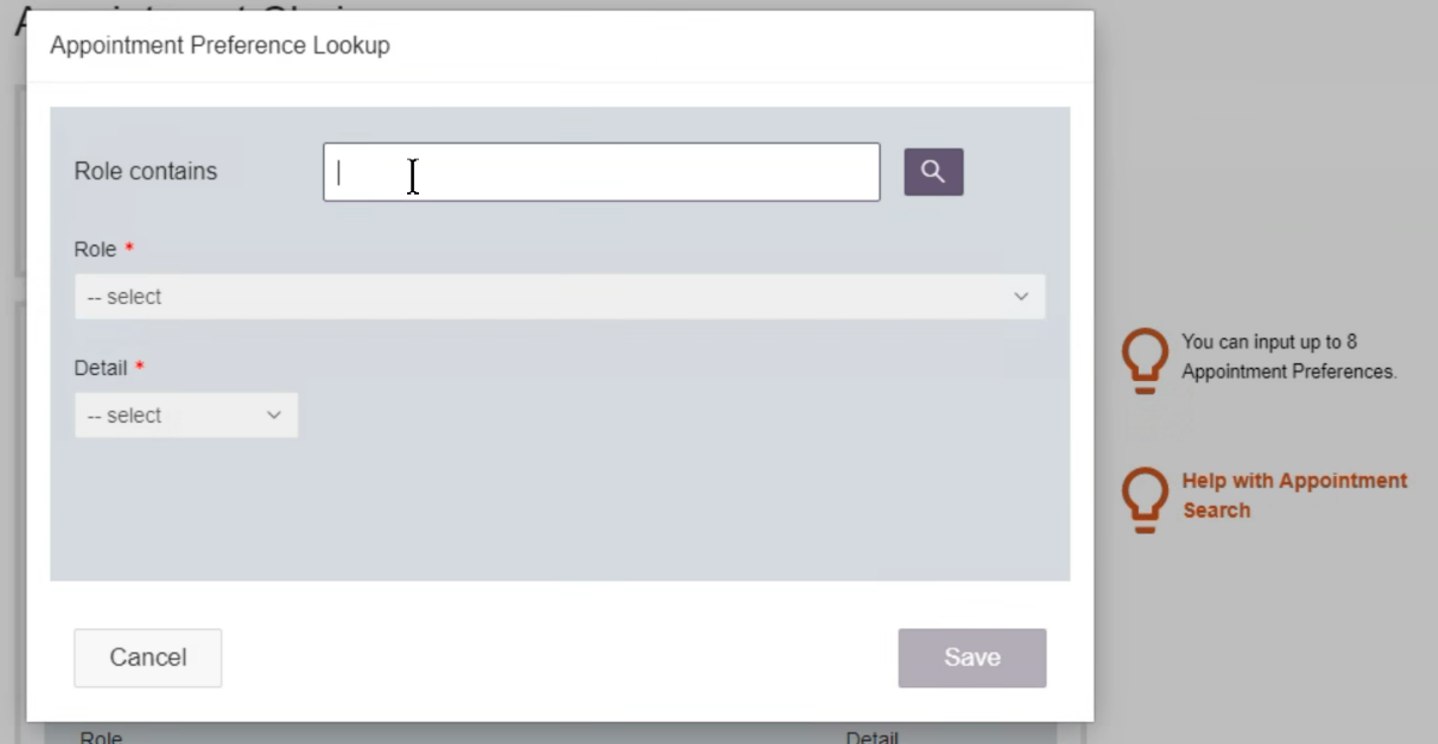
- enter your preferences in the appropriate fields
- Preference Category
- Appointment 1st Choice
- Appointments 2nd to 8th Choice
- Comments
The help section is available throughout.
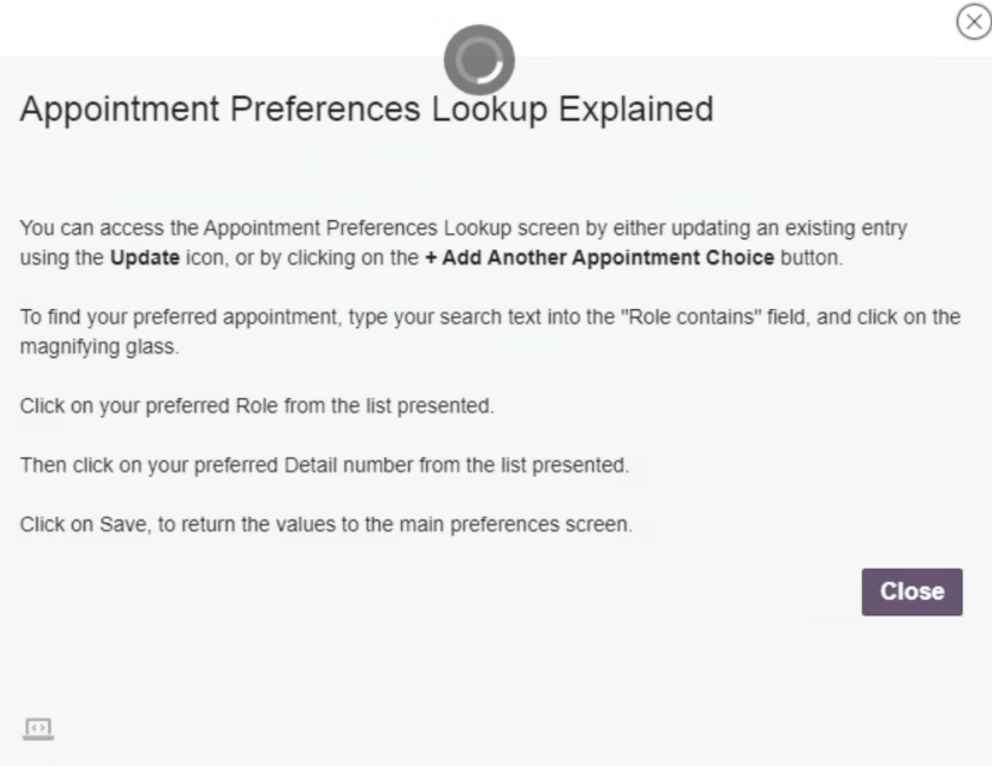
You must Save your Preferences for them to be recorded.
A ‘Confirmation’ screen will be displayed. Your request for Appointment Preferences will be forwarded to your Approver.
